
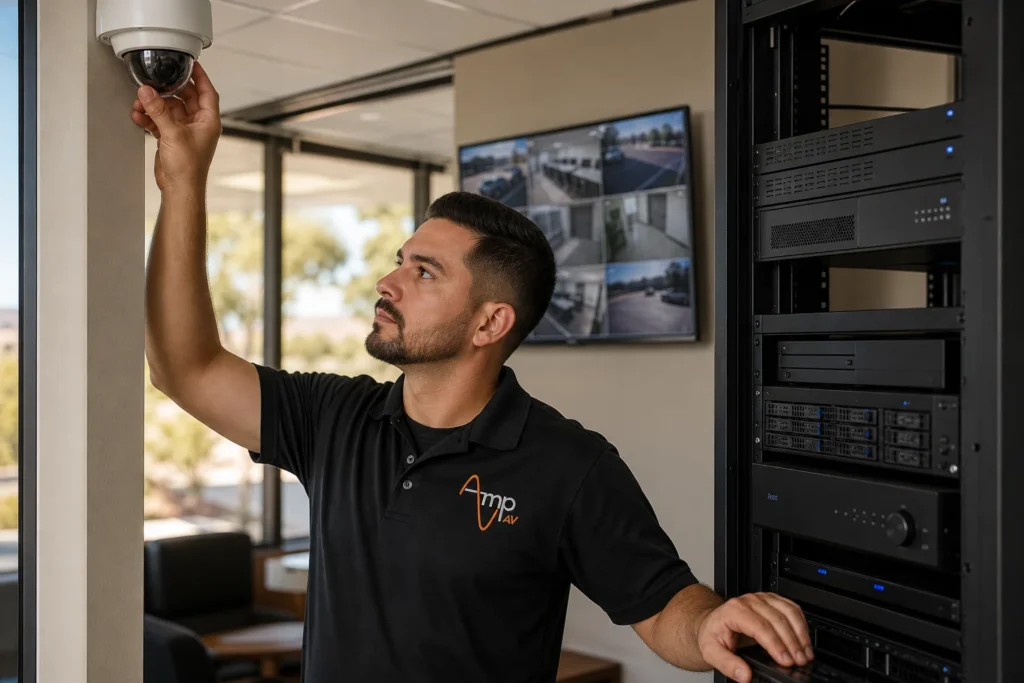
Verkada vs a locally owned NVR system for a Mesa business comes down to one core trade-off: monthly cloud fees and remote convenience versus one-time hardware costs and full data ownership. Our Security Cameras team installs and supports both, so here is how they really compare on cost, storage, and control.
By Amp AV Team, AV Installation Experts
What Separates Verkada From a Traditional NVR System
Weighing Verkada vs traditional NVR ownership starts with understanding how each system actually works. Verkada is a cloud-based security camera platform. Cameras record locally on the device but stream footage, alerts, and system health to Verkada's cloud, and every account runs on a recurring camera license instead of a one-time purchase. A locally owned NVR (network video recorder) system works differently, and it is a step up from an older analog DVR: cameras plug into a physical recorder on site, that recorder stores all footage on its own hard drives, and once the hardware is installed and paid for there is no ongoing software fee tied to viewing your video. Both approaches support remote access from a phone or laptop, and both can cover access control and motion sensors as add-ons, but the underlying business model, subscription versus ownership, is the real fork in the road for a Mesa business comparing systems.
Is Verkada's Subscription Worth It Compared to Paying Once for an NVR?
The honest answer depends on how a business values convenience against long-term cost. Verkada's camera license covers cloud storage, software updates, and access to its management platform for as long as the subscription stays active, so year one often looks similar in total spend to a locally owned NVR system once installation is included. The difference shows up by year three or four: a locally owned NVR system, once paid for, keeps recording without another monthly bill, while Verkada renews every camera's license annually for the life of the system. For a Mesa business planning to keep its cameras in place for five-plus years, the price includes far more ongoing subscription cost with Verkada than with hardware the business already owns outright. This does not make Verkada a bad choice. Businesses that value automatic software updates, a polished mobile app, and zero on-site maintenance responsibility often decide the subscription earns its keep. Businesses that want predictable, one-time costs usually lean toward ownership.
Which System Gives a Mesa Business More Control Over Video Storage and Data Ownership?
A locally owned NVR system keeps all recorded video on a physical device on site, so a Mesa business owns its footage and its data outright and never depends on a vendor's cloud storage policy. Verkada stores footage in its own cloud environment, encrypted and backed up, but the business is trusting a third party's infrastructure and terms of service for how long video is retained and who can access it. For businesses in regulated fields, or any Mesa business that treats physical security and data ownership as inseparable, a local system is usually the clearer answer. Verkada's platform does offer strong access control and permission management, letting an owner grant remote access per camera or restrict certain feeds to certain staff, which a self-managed NVR can also do, usually with less polish out of the box.
How Do Installation and Ongoing Maintenance Compare?
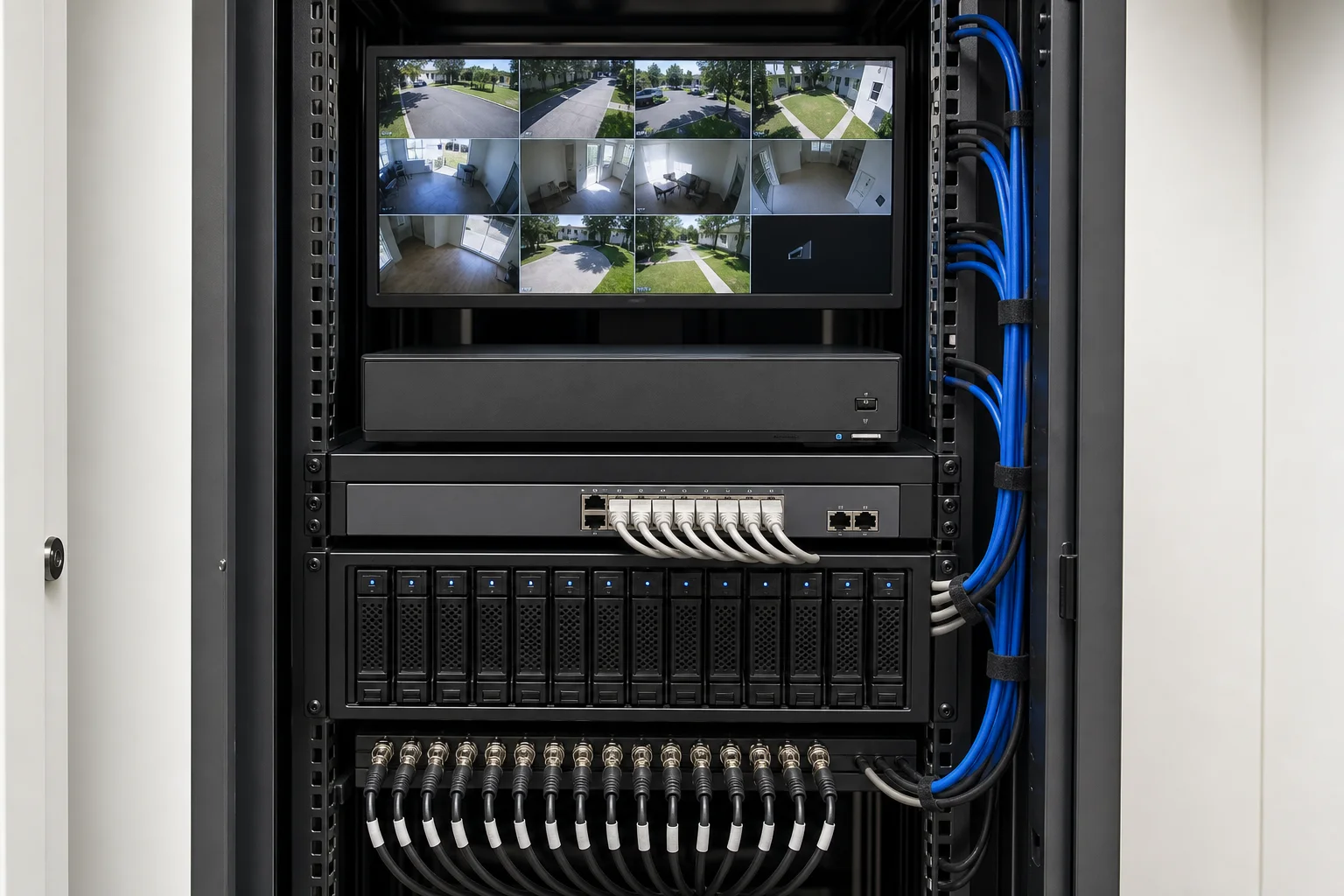
Verkada cameras are designed for straightforward installation, often reducing on-site cabling since many models handle their own local storage and only need power and a network drop. A locally owned NVR system typically requires more deliberate cabling and configuration up front: cameras run back to a central recorder, that recorder needs its own network setup, and the whole system benefits from a professional commercial AV installation that accounts for camera placement, cable runs, and power at every angle of the property. Once installed, Verkada pushes software updates automatically from the cloud, so maintenance is mostly hands-off. A local NVR needs periodic firmware updates and hard drive health checks, usually handled during a scheduled service visit rather than automatically, ideally scheduled outside business hours to avoid disrupting staff. Neither system is maintenance-free, but Verkada shifts more of that work off the business's plate and onto the platform, while a locally owned system keeps maintenance, and its cost, under direct control.
How Does Mesa's Internet Reliability Affect a Cloud-Based System Like Verkada?
Verkada depends on a steady internet connection to sync footage, deliver alerts, and let an owner check cameras in real time from any device. Mesa's connectivity is generally solid, but any outage, whether from a provider issue or a construction cut line, can delay footage syncing and alerts until the connection returns. Most Verkada cameras buffer recent footage locally and catch up once back online, so gaps are usually short rather than a total loss. A locally owned NVR system does not depend on the internet to record at all: cameras and the recorder stay on the same local network, so footage keeps recording through an outage, and remote viewing simply pauses until the connection is back. Reliable home network infrastructure inside the building matters either way, since a weak router, an overloaded switch, or thin cabling will bottleneck video quality on Verkada and on a local NVR alike.
Which System Wins: Verkada vs a Locally Owned NVR System for a Mesa Business?
There is no universal answer, the right pick depends on how a specific Mesa business operates. A single-location retail shop or small office that wants zero maintenance and does not mind a recurring bill often does well with Verkada's cloud platform, which makes it easy to check camera feeds across all locations from one login. A multi-location business, a property with tighter margins, or an owner who wants full data ownership and no license renewal tends to save more over time with a locally owned NVR system. Amp AV installs and supports both approaches across Mesa and the wider Phoenix area as part of Our Services, and the honest recommendation usually comes down to a short conversation about camera count, how many locations need coverage, and how long the business plans to keep the system in place, so an owner can learn which option truly fits before signing anything.
Frequently Asked Questions
How much does Verkada cost per camera per month?
Verkada does not publish a single flat rate per camera; pricing depends on the camera model, the license tier selected, and how many devices and locations are on the account. Instead of a published monthly figure, Verkada requires a custom quote, so a Mesa business should get pricing directly from Verkada or an authorized installer before comparing it against the one-time cost of a locally owned NVR system.
Can a locally owned NVR system be viewed remotely like Verkada?
Yes. A properly configured NVR supports remote access from a phone, tablet, or computer, just like Verkada's app, letting an owner check live or recorded footage from anywhere with an internet connection. The setup process is different, usually a secure remote connection configured during installation, rather than sign-in through a vendor's cloud account, but the day-to-day experience of checking cameras away from the site is very similar.
What happens to Verkada footage if a business stops paying the subscription?
When a Verkada camera license lapses, cloud recording and remote access stop, and the business generally loses access to stored footage and live feeds through the platform. Because Verkada is a subscription model rather than a one-time purchase, the cameras depend on an active license to keep working as a monitored system, which is a key difference from a locally owned NVR that keeps recording regardless of any ongoing payment.
Do Mesa businesses need a professional installer for a local NVR system?
In most cases, yes. A locally owned NVR system involves running cable to every camera, configuring the recorder, setting up storage, and securing remote access, and getting camera placement or network setup wrong usually shows up later as gaps in coverage or footage quality, especially during business hours. A professional installation also typically comes with a warranty on the equipment and the work, which is harder to get with a self-installed system.
Is Verkada or a local NVR system better for insurance and compliance needs?
It depends on the specific requirement. Some insurance carriers and compliance frameworks ask for a documented retention period and proof of who can access footage, and both Verkada and a locally owned NVR can meet those requirements when configured correctly. A business with strict data ownership or on-site retention rules often finds a locally owned system easier to document, since footage never leaves the property. Always confirm exact requirements with the carrier or compliance body first.
Get Expert Help Choosing the Right System for Your Mesa Business
Comparing Verkada and a locally owned NVR system on your own can be time-consuming, and the right fit depends on your building, your camera count, and your budget. Contact Us for a free walkthrough of your site, and Amp AV's team will help you land on the system that actually fits your Mesa business.