
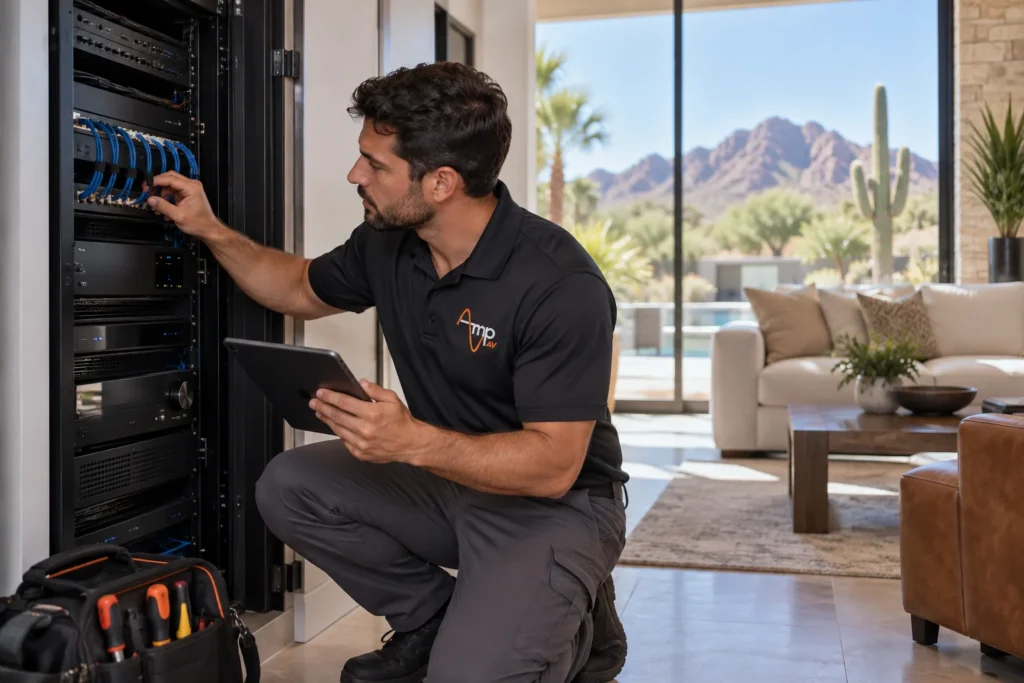
Phoenix's triple-digit heat, dust, and monsoon humidity wear down connected devices faster than almost anywhere else in the country, which is why smart home maintenance in Phoenix needs its own annual rhythm. A yearly checkup on your Home Control system, network, and safety devices catches small problems before they become expensive ones.
By Amp AV Team, AV Installation Experts
How Often Do You Need Smart Home Maintenance in Phoenix
Most Phoenix homeowners get the best results from one full professional visit a year, paired with a few quick self-checks in between. Real maintenance means more than glancing at an app: it's a hands-on review of hubs, cameras, sensors, and network hardware. Because Arizona heat pushes electronics harder for more months of the year than milder climates, an annual visit is the baseline, not the ceiling. Homes with a lot of outdoor gear, battery-powered sensors, or an older network setup often benefit from a light mid-year check too, so small drift gets caught before monsoon season adds humidity and power swings to the mix.
What's Included in an Annual Smart Home Maintenance Checkup
A real home maintenance checklist for a connected house covers more ground than most people expect. On a typical visit, our technicians:
- Test Security Cameras and outdoor sensors to make sure the picture stays clear day and night
- Check the garage door opener's safety reversal and sensor alignment, since a blocked eye or worn spring is a common cause of a door that won't close
- Test every carbon monoxide detector and smoke alarm, replace batteries, and confirm each sensor is still inside its rated service life
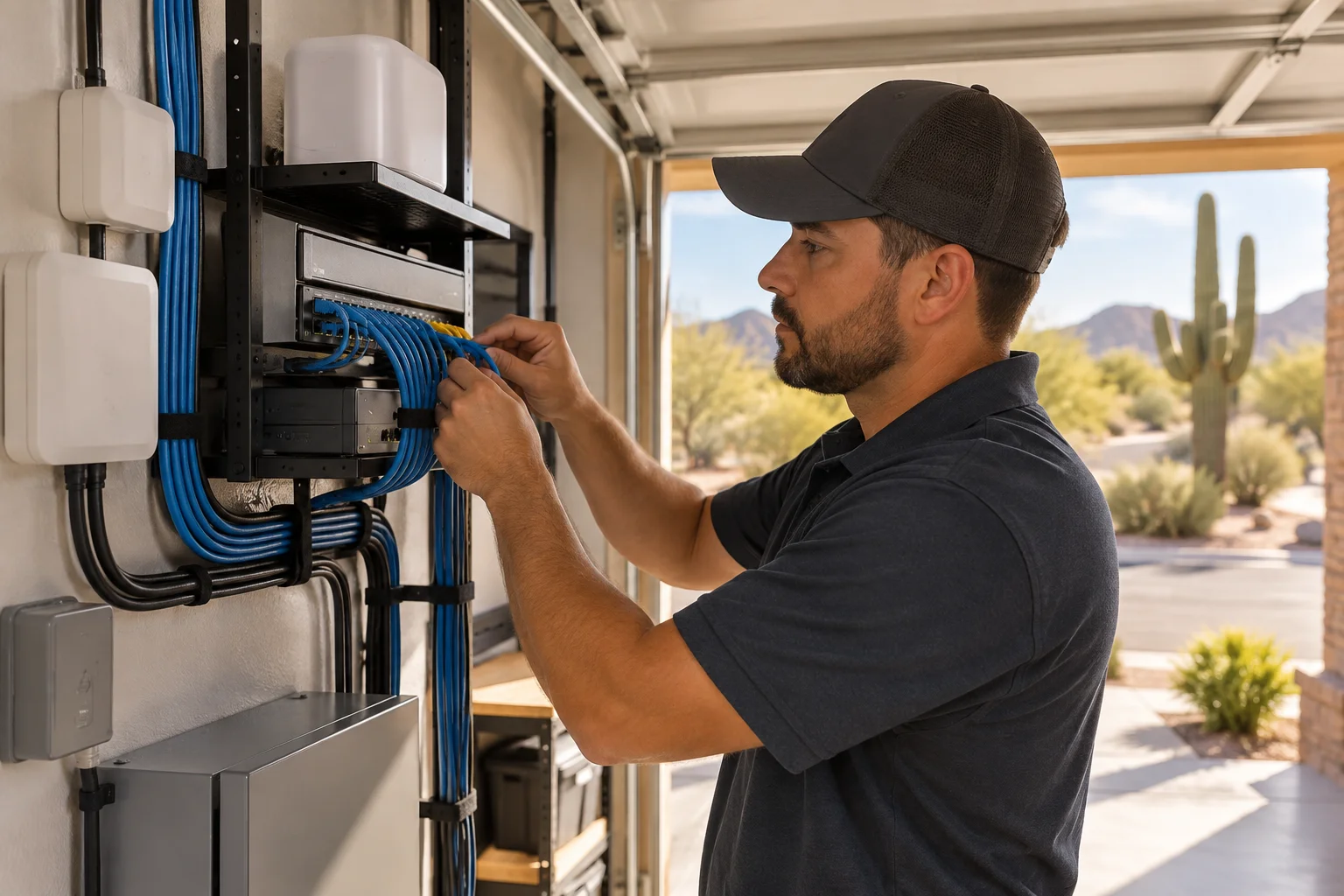
- Review the network for dead spots, outdated router firmware, and overloaded Wi-Fi channels
- Verify smart thermostats, lighting scenes, locks, and other connected devices are still working and talking to the hub correctly
Each task takes minutes for a technician who already knows your systems, but skipping them for a year or two lets small issues stack up into an emergency instead of a routine visit.
Why Does Phoenix Heat Damage Smart Home Equipment Faster
Arizona summers regularly push attic and garage temperatures past what most consumer electronics are rated for, and that heat is the single biggest reason smart home gear ages faster here than in a milder market. Network switches and Wi-Fi access points lose lifespan for every extra degree above their rated range, and lithium batteries inside sensors and detectors drain faster in sustained heat. Outdoor speakers, receivers, and control panels take it from both directions, baking in direct sun and never getting a real break at night. Good airflow and clean filters help, but they only slow the clock. Left unchecked, minor heat stress becomes a major failure right when you need the system most, whether that's a security camera going dark or an outdoor entertainment setup losing sound mid-party. Routine maintenance catches early warning signs, like a fan running constantly or intermittent connection drops, before the hottest months turn them into a major replacement.
How Do You Know When Your Smart Home Devices Need Firmware Updates
Most smart home devices push a notification inside their app when a firmware update is ready, but those alerts are easy to miss if you're not checking every device on a set schedule. A few signs point to an overdue update: a hub or camera that reboots on its own, a device that drops off the network and reconnects, or a security patch that made local news over vulnerabilities in a popular brand. A technician doing regular checks can confirm every device is running current firmware in one pass, faster than checking each app one at a time. Outdated firmware is also behind a surprising share of the connectivity and app-sync issues homeowners assume are a router problem.
What Happens If You Skip Smart Home Maintenance
Skipping maintenance rarely causes one obvious failure. It shows up as a slow accumulation of small issues: a camera feed that's gone grainy, a carbon monoxide detector chirping a low-battery warning at 2 a.m., a garage door that hesitates before closing, or a smart lock that occasionally just doesn't respond. Together, over a year or two, they add up to a system that no longer does the job it was installed to do, and in the case of a failed carbon monoxide detector or an unreliable door sensor, an actual safety gap. A weak or outdated home network makes every one of these problems worse, since a hub that keeps dropping its connection can't report a problem even when its sensors catch one. If it's been more than a year since anyone looked at your system as a whole, Amp AV can walk the property, test every device against the original install, and quote what a maintenance visit or network refresh would cost before anything fails.
How Much Does Smart Home Maintenance Cost in Phoenix
There's no single number that fits every home, and reputable providers won't quote firm pricing without seeing the system first. Cost depends on how many devices are on the network, how accessible the install is, and whether the visit is a standard annual checkup or a repair call after something has already failed. A home with a handful of cameras and a thermostat costs far less to service than a full home theater, whole-home audio, and security setup with dozens of connected devices. A walkthrough quote is far more reliable than a phone estimate, since a technician can see the actual equipment and wiring involved.
Should You DIY Smart Home Maintenance or Hire a Professional
Some maintenance tasks are genuinely DIY-friendly: wiping down camera lenses, testing carbon monoxide detectors with the built-in test button, restarting a sluggish hub, and checking that outdoor gear is free of dust and debris. Where DIY runs out of room is anything involving the network backbone, firmware across multiple device brands, garage door safety sensor alignment, or diagnosing why two systems have stopped talking to each other. A professional carries the diagnostic tools and manufacturer access to fix root causes instead of symptoms. Rule of thumb: handle wipe-downs and battery swaps yourself monthly, and bring in a professional for anything touching wiring, firmware, or safety sensors.
Frequently Asked Questions
How often should smart home devices be serviced?
One full professional visit a year, plus quick homeowner checks every month or two. Homes with a lot of outdoor equipment, older network hardware, or battery-powered sensors benefit from a light mid-year check too.
What does smart home maintenance include?
Network and Wi-Fi coverage, firmware updates across every connected device, camera and sensor testing, garage door opener safety checks, carbon monoxide and smoke detector testing and battery replacement, and confirming smart locks, thermostats, and lighting scenes still communicate correctly with the hub.
How much does smart home maintenance cost in Phoenix?
It depends on how many devices are installed, how accessible the wiring is, and whether it's a routine visit or a repair after a failure. A walkthrough quote from a technician who can see the actual system beats a phone estimate.
Can extreme Arizona heat damage smart home equipment?
Yes. Attic and garage temperatures in a Phoenix summer regularly exceed what consumer electronics are rated for, shortening network gear's lifespan, draining sensor and detector batteries faster, and stressing outdoor speakers and control panels that sit in direct sun all day.
Do smart home systems need professional maintenance or can I do it myself?
Homeowners can handle light tasks like wiping camera lenses, testing detector buttons, and restarting a sluggish hub. Anything involving network infrastructure, multi-brand firmware, or garage door safety sensor alignment is worth bringing in a professional.
Schedule Your Smart Home Maintenance Visit With Amp AV
One overdue firmware update or one weak carbon monoxide detector battery is a small fix today and a bigger problem later. Contact Us to schedule an annual maintenance visit and get a clear picture of what your system needs before Phoenix's next heat wave puts it to the test.