
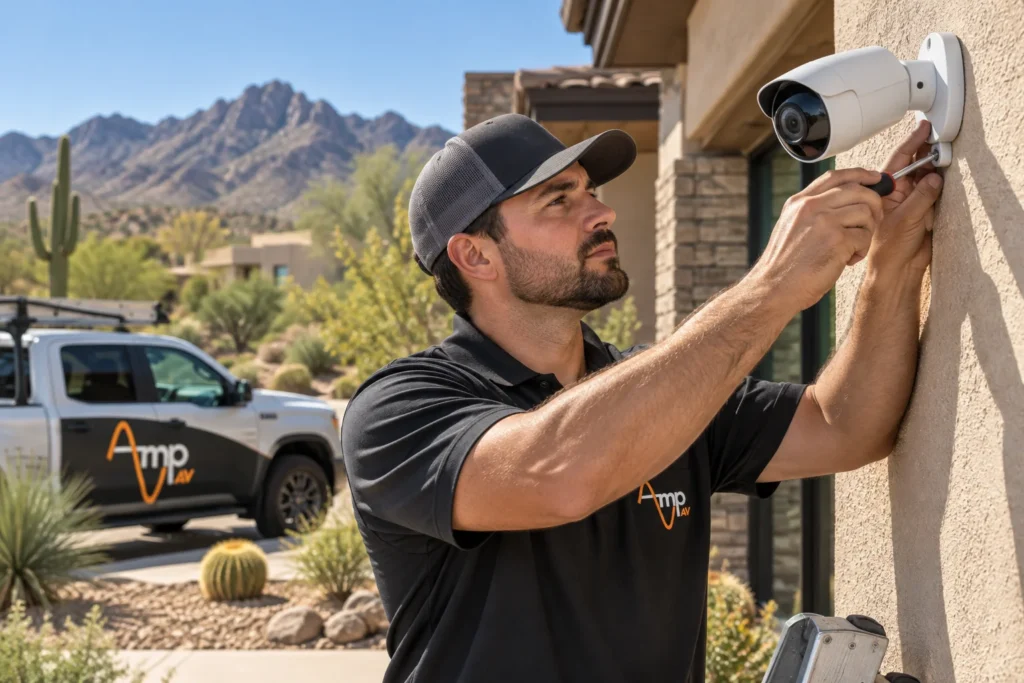
Leaving an Arizona second home empty for months at a time means trusting cameras, sensors and a professional-grade Security Cameras system to watch what you can't. Between summer heat spikes and winter storms, an unmonitored vacant property in the Valley faces real risk, and the right setup lets you check in from anywhere.
By Amp AV Team, AV Installation Experts
How to Prepare Before Leaving an Arizona Second Home Empty for the Season
A second home that sits empty most of the year needs more than a lock on the door. Layered security starts with exterior cameras covering every entry point, motion-activated lighting, and a monitored alarm system that alerts you the moment a door or window opens. In a desert climate, exterior housing also has to handle triple-digit heat without failing, so equipment rated for outdoor Arizona conditions matters as much as camera placement.
Pairing consistent lighting patterns with a local contact who can do a quick maintenance check rounds out a layered plan that doesn't depend on any single point of failure, whether the home sits in a quiet Scottsdale cul-de-sac or a tight-knit Cave Creek community.
Best Security Cameras for a Vacant Vacation Home in Arizona
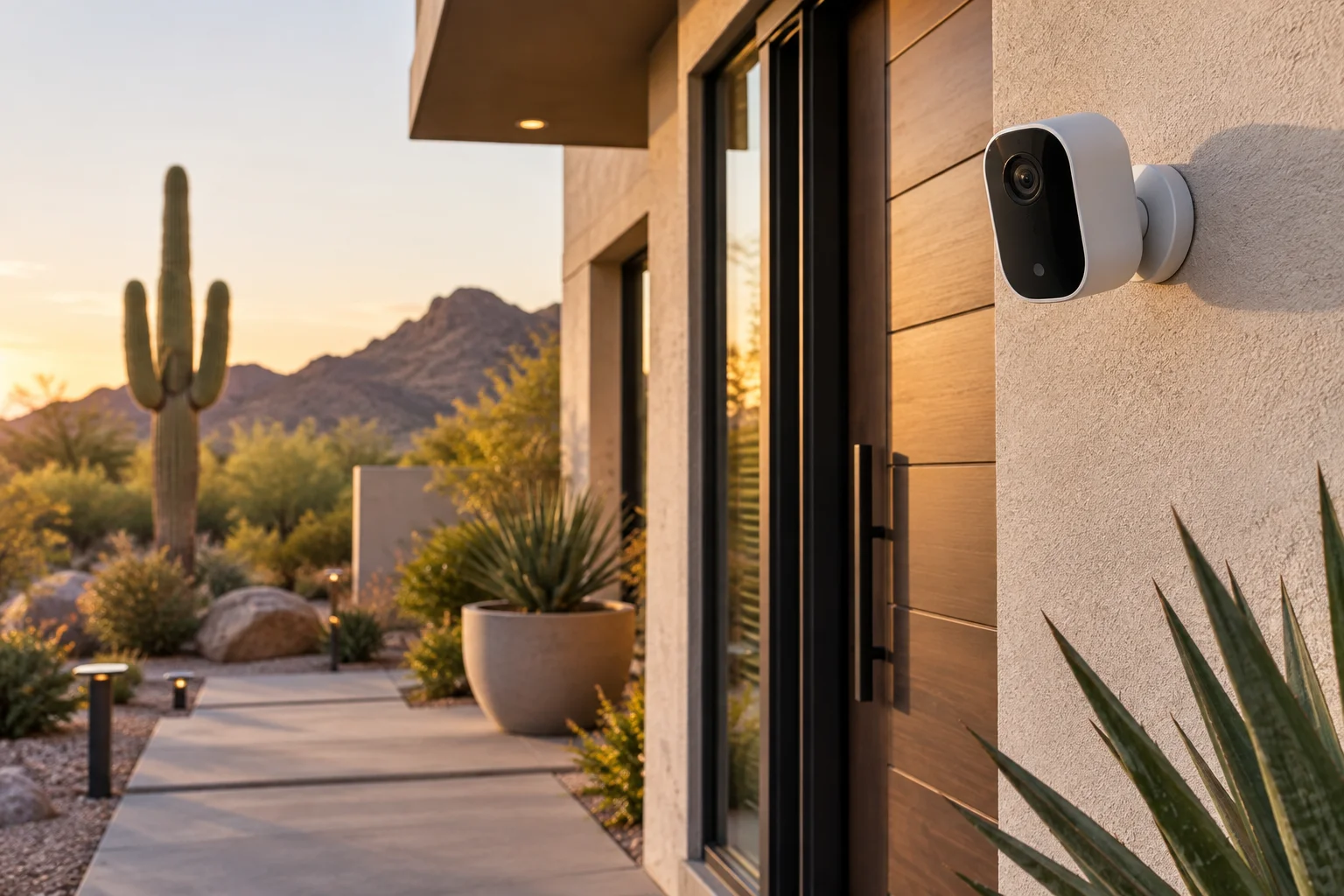
The cameras that hold up best on a vacant property are weatherproof, wide-angle and built for direct desert sun without overheating or clouding over. Look for units rated for extended outdoor exposure, with night vision strong enough to cover a dark backyard or pool area and cloud storage that keeps footage off-site if the camera itself is damaged or stolen.
Exterior cameras on a property that sits empty for weeks need reliable power and connectivity, and comparing wired and wireless camera options against the home's construction and wifi range determines which setup holds up best. A wired system avoids battery swaps on a home nobody visits daily, while wireless units install faster on a home where running cable isn't practical.
Why a Cellular Backup Matters When the Power or Internet Goes Out at an Empty House
Monsoon storms and summer grid strain both knock out power and internet across the Valley, and a camera system that only works over home wifi goes dark at exactly the moment it's needed most. A cellular backup keeps cameras, sensors and alerts online over a cell signal instead of the home's internet connection, so a storm that takes down the router doesn't also take down your only view of the property.
This matters even more for a home outside dense service areas. A second home near Cave Creek or on the edge of the Valley can lose internet for days after a bad storm, and cellular backup is what keeps the system reporting in during that gap.
How Often You Should Do a Remote Check on a Second Home You're Not Living In
There's no single rule that fits every situation, but checking in through the monitoring app at least weekly catches most problems early, and a quick daily glance at camera notifications takes under a minute. If you don't check in as often during busy stretches, leaning on alert notifications instead of manual checks closes most of that gap. Beyond the remote check, scheduling a regular in-person walkthrough, whether by a trusted local contact, property manager or Amp AV, every few weeks catches what cameras alone can miss, like a slow leak under a sink or a pool pump that's stopped cycling.
What a Remote Monitoring System Should Alert You to Besides Break-Ins
A break-in alert is only one piece of what a second home needs watched. Power loss, an air conditioning unit that's stopped keeping up with desert heat, and water leaks from a failed water heater or supply line can each cause more damage than a burglary, and often go unnoticed for weeks in a house nobody's living in. A monitoring system built for a vacant property should flag all of it: temperature swings, humidity spikes, water sensors near appliances and the pool equipment pad, and power interruptions at the panel.
Extending an existing Home Control setup to include power and temperature alerts usually starts with a single on-site assessment, worth scheduling before your next extended trip away from the house.
Self-Monitoring vs. Professional Monitoring for a Snowbird or Seasonal Arizona Home
Self-monitoring, where you get the alerts and decide what to do, works well for an owner who checks their phone often and has a local contact on call. Professional monitoring adds a team watching the feed and dispatching help even if you're on a flight or somewhere without signal, which tends to matter more for owners who travel internationally or aren't reachable for days at a stretch.
Most snowbirds land somewhere in between: self-monitored cameras and sensors for daily awareness, with professional monitoring layered on for the alarm and any life-safety events like fire or flood. Randomized smart lighting schedules that turn interior and exterior lights on and off in the evening make an empty house look lived in to anyone watching from the street, covering the visual deterrent side while professional monitoring covers the response side.
How Much It Costs to Set Up Cameras and Cellular Backup for an Unoccupied Second Home
Leaving an Arizona second home empty without monitoring in place risks costing far more in undiscovered damage than the system itself, and costs vary by square footage, the number of cameras and entry points, whether cellular backup and a monitored alarm panel are added, and how much of the home control system gets tied together. A compact second home with a handful of cameras costs less to outfit than a larger property with a pool, detached casita or multiple approach points. Amp AV can walk through the specific home and put together a scope based on what it actually needs, rather than a one-size package.
Frequently Asked Questions
How do I check on my Arizona vacation home from out of state?
A remote monitoring app tied to your cameras, door and window sensors, and thermostat lets you check live video, review motion alerts and adjust the air conditioning from anywhere with cell or wifi signal. Most systems also send a push notification the moment something unusual happens, so you're not relying on remembering to open the app.
What happens to my security cameras if the power goes out at my second home?
Cameras with battery backup and a cellular connection keep recording and sending alerts for a period after the power drops, even without wifi. Cameras wired only to home power and the router typically go offline in an outage, which is why pairing cameras with cellular backup matters for a home nobody's checking on in person.
Do I need wifi for a cellular backup security system to work?
No. A cellular backup system uses its own cell signal instead of the home's internet connection, so it keeps working through a router failure or an internet outage. Wifi can still be used when it's available, but the system doesn't depend on it to send alerts or stay online.
Is it worth installing cameras in a home that sits empty most of the year?
For most owners, yes. Leaving an Arizona second home empty for weeks or months at a time makes it a more attractive target than an occupied one, and cameras plus monitoring shrink the window between something going wrong and someone finding out. The cost of a camera system is generally far less than the cost of undiscovered water damage or a break-in that goes unnoticed for days.
How do I make sure my AC keeps running so my empty Arizona home doesn't overheat while I'm gone?
A smart thermostat tied into remote monitoring lets you check the indoor temperature and adjust the air conditioning from your phone, and temperature alerts flag a malfunctioning system before desert heat causes damage to floors, furniture or plumbing. Setting a warm-weather away schedule instead of turning the air conditioning off completely also helps make sure the home doesn't swing too far from a safe range.
Get Your Arizona Second Home Monitored Before Your Next Trip
A vacant property doesn't have to be a blind spot between visits. Contact Us to talk through cameras, cellular backup and remote checks sized to your second home.