
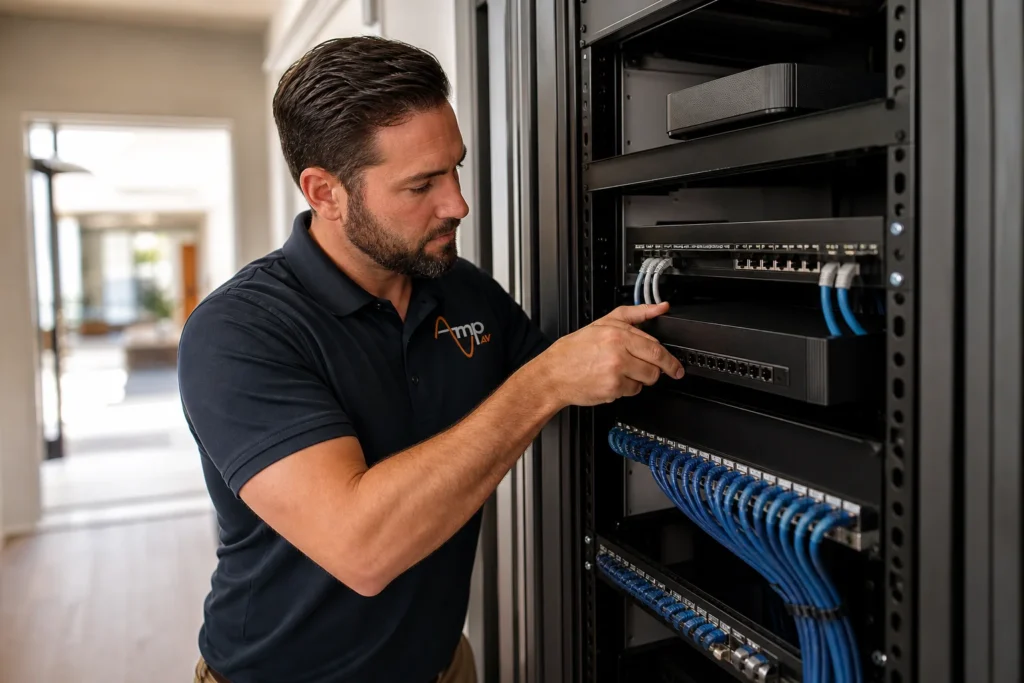
A reliable home network infrastructure ties together every screen, speaker, and sensor in your house, and without it, smart devices stall out at the worst moments. Proper Home Control planning starts with the wiring, switches, and access points that keep a home network infrastructure fast and dependable.
By Amp AV Team, AV Installation Experts
Why Your Home Network Is the Backbone of Every Smart Device
Every smart home device, from thermostats to security cameras, depends on a stable home network to function well. Devices like smart locks, video doorbells, and multi-room speakers constantly send data to each other and to the cloud, and when the underlying home networking setup is weak, those devices lag, drop connections, or stop responding right when you need them most.
A strong home network infrastructure is not just about faster Wi-Fi. It is the combination of wiring, routers, switches, and access points working together so every device on the network has the bandwidth and stability it needs. Get the infrastructure right and automation, streaming, and security all run smoothly. Get it wrong and even a brand new smart home feels sluggish.
Wired vs Wireless: Choosing the Right Connections
Wi-Fi is convenient, but a wired connection still outperforms wireless for anything that streams high-resolution video or handles security in real time. Running Ethernet to a media rack, an equipment closet, or an outdoor camera location gives that device dedicated bandwidth instead of competing with every phone and tablet on the wireless network. A wired connection also holds up better in homes with thick walls, detached garages, or long sightlines where Wi-Fi signal naturally weakens.
When Wireless Still Makes Sense
Not every device needs a cable. Mobile devices, smart speakers, and battery-powered sensors are built for wireless and move around the house too often for wiring to make sense. The goal is not to eliminate Wi-Fi, it is to reserve wired connections for the devices that benefit most and let wireless handle everything else without being overloaded.
Network Switches and Access Points: Expanding Your Coverage
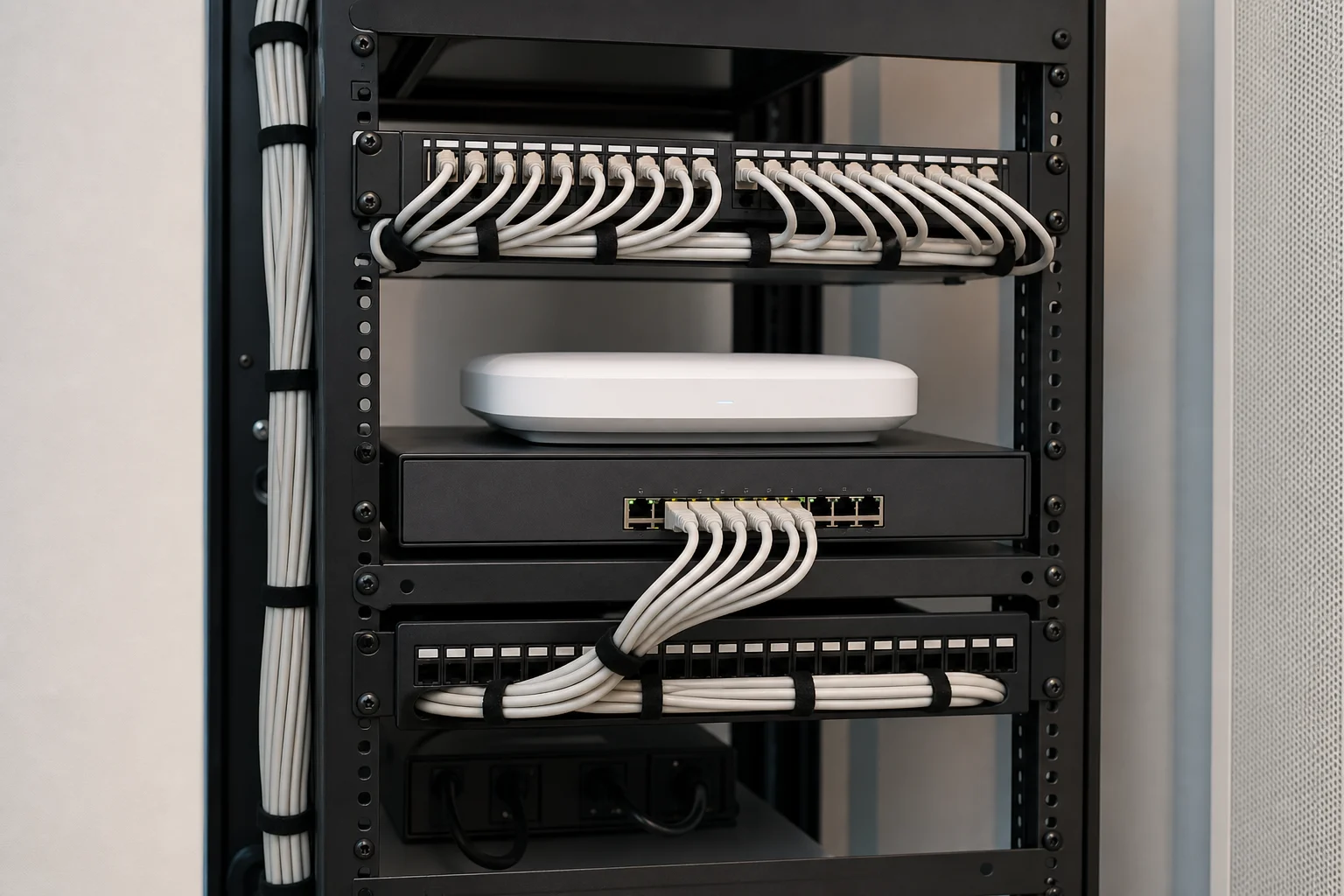
A single router rarely covers an entire home on its own. A network switch multiplies the number of wired ports available near a media rack or equipment closet, letting cameras, streaming boxes, and audio gear connect directly without daisy chaining cables across a room. Access points and repeaters extend Wi-Fi coverage into detached patios, garages, and upper floors where the main router signal fades.
This is where a well-planned home network infrastructure pays off during installation, not after. Our team maps out switch locations, access point placement, and gateway configuration before running a single cable, so the finished system supports whatever comes next. Homeowners planning a full Complete Home Technology Integration project benefit most from getting this backbone right from day one.
Matching Your Internet Service to Real-World Demand
Even the best home network infrastructure can only move as much data as the internet service feeding it allows. A household running 4K streaming, video conferencing, cloud backups, and a dozen smart home devices at once needs more bandwidth than a basic internet service plan typically provides. Before upgrading equipment, it is worth confirming the internet service coming into the house can actually support the household's needs.
Security systems deserve particular attention here. Continuous recording from multiple Security Cameras can quietly consume a significant share of available bandwidth, especially with cloud storage enabled. Homes considering a full camera upgrade should read our Security Camera Installation for Phoenix Homes breakdown for guidance on planning bandwidth alongside camera placement.
Common Home Network Infrastructure Mistakes to Avoid
The most common home network infrastructure mistake is treating the network as an afterthought, adding devices one at a time until the router is overwhelmed. Overloading a single access point, skipping a network switch in favor of daisy-chained adapters, and ignoring wired connection options for stationary devices are the three mistakes we see most often in Arizona homes.
Poor planning also shows up outside the house. Homeowners who invest in Smart Lighting Control Systems or motorized shades often notice performance issues later simply because the wireless network was never built to handle the added device count. The same applies to whole-home audio: a household planning Multi-Room Audio Systems should size the network for that load in advance rather than troubleshooting dropouts after installation.
Frequently Asked Questions
What is home network infrastructure and why does it matter for a smart home?
Home network infrastructure is the combination of wiring, routers, switches, and access points that carries data between every connected device in your house. It matters because smart locks, cameras, thermostats, and streaming devices all depend on that foundation. Weak infrastructure causes lag, dropped connections, and unreliable automation, while a properly designed network keeps everything running smoothly.
Do I need Ethernet wiring if I already have Wi-Fi?
Wi-Fi covers mobile devices well, but a wired connection still delivers more consistent performance for streaming boxes, security cameras, and gaming consoles. Running Ethernet to stationary devices frees up wireless bandwidth for phones, tablets, and speakers, reducing congestion across the whole home network and improving reliability for everything connected to it.
How many devices can a typical home network handle?
It depends on the router, switches, and internet service involved rather than a fixed number. A basic setup might struggle past a dozen active devices, while a properly designed home network infrastructure with the right switches and access points can support dozens of devices, including security cameras, smart speakers, and automation hubs, without noticeable slowdown.
What is the difference between a router and a network switch?
A router manages traffic between your home network and the internet service coming into the house. A network switch expands the number of wired ports available so multiple devices, like streaming boxes and cameras, can connect directly near a media rack or equipment closet without overloading the router's built-in ports.
Can existing homes upgrade their network infrastructure without major renovation?
Yes. Many upgrades involve adding a network switch, repeaters, or access points using existing pathways, attics, or crawl spaces rather than opening walls. Our team evaluates the home first and recommends the least invasive way to strengthen the home network infrastructure, whether that means targeted wiring runs or a mesh Wi-Fi expansion.
Get a Home Network Built for Every Device in Your House
A reliable home network infrastructure is the foundation everything else in a smart home depends on, and it is far easier to build correctly the first time than to fix later. Contact Us to have our team assess your current setup and design a network that keeps every device connected.